 admin
admin 
Linux gaming has improved dramatically over the last few years. Thanks to Steam Proton, Vulkan graphics, and better driver support, many gamers are now switching from Windows to Linux. Choosing the best Linux distro for gaming can significantly improve your gaming experience, system stability, and overall performance.
However, not every Linux distribution is designed with gamers in mind. Some offer better driver support, easier software installation, improved performance optimizations, and gaming-focused tools.
In this guide, we will review the best Linux distro for gaming options available today. Before selecting a gaming Linux distribution, let’s discuss the important factors that every gamer should consider.
What Should You Look for Before Choosing the Best Linux Distro for Gaming?
Selecting the right gaming Linux distribution requires careful consideration. Here are the most important factors:
Hardware Compatibility
A gaming distro should fully support your CPU, GPU, motherboard, audio devices, and gaming peripherals. NVIDIA and AMD graphics card support is especially important.
Driver Availability
Gaming performance heavily depends on graphics drivers. Choose a Linux distro that offers easy installation and regular updates for NVIDIA and AMD drivers.
Software Repository
A larger software repository provides easier access to gaming tools, launchers, emulators, and productivity software.
Gaming Platform Support
Make sure the distro supports:
- Steam
- Proton
- Lutris
- Heroic Games Launcher
- Wine
- Bottles
- RetroArch
Performance Optimization
Some gaming Linux distros include kernel tweaks and performance enhancements that can boost FPS and reduce system latency.
User-Friendliness
If you are new to Linux, choose a distro with a simple interface and extensive documentation.
How We Review and Recommend Gaming Linux Distributions
Before recommending any Linux distribution, we evaluate several important criteria:
Our Testing Process
- Gaming performance with modern AAA games
- Steam Proton compatibility
- NVIDIA and AMD driver support
- Ease of installation
- System resource usage
- Gaming tools availability
- Stability during long gaming sessions
- Community support
- Update frequency
- Overall user experience
These reviews help determine which distro deserves a place among the best Linux distro for gaming options.
1. SteamOS
Features
- Developed by Valve
- Built specifically for gaming
- Optimized for Steam
- Proton support included
- Controller-friendly interface
- Excellent hardware compatibility
Review
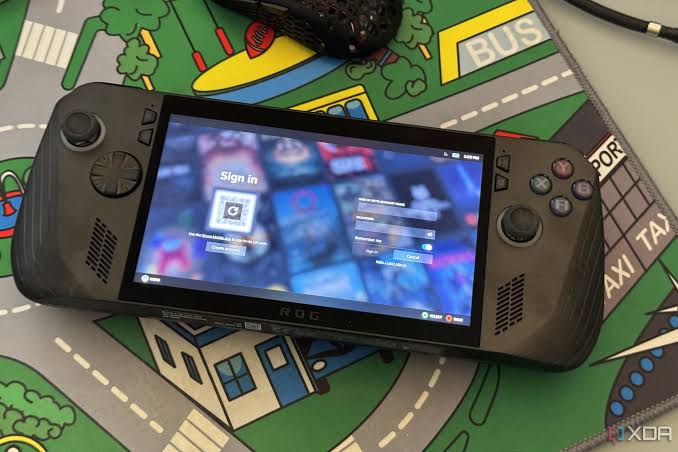
SteamOS is currently one of the most popular gaming-focused Linux distributions. Created by Valve, it powers the Steam Deck and provides a gaming-first experience. The operating system is highly optimized for Steam games and offers excellent Proton integration.
Users who primarily play Steam titles will appreciate the smooth experience, automatic updates, and easy access to thousands of Linux-compatible games. SteamOS also benefits from Valve’s continuous improvements and gaming-specific optimizations.
Performance is impressive on modern hardware, especially when paired with AMD graphics cards. The system remains lightweight and responsive even during demanding gaming sessions.
For gamers seeking a console-like experience while maintaining the flexibility of Linux, SteamOS is often considered the best Linux distro for gaming.
Pros
- Excellent Steam integration
- Optimized gaming performance
- Regular updates
- User-friendly interface
- Great Proton compatibility
Cons
- Limited outside Steam ecosystem
- Best suited for AMD hardware
2. Nobara Linux
Features
- Gaming-focused Fedora-based distro
- Pre-installed gaming tools
- NVIDIA drivers included
- OBS Studio integration
- Wine support
- Easy setup process
Review
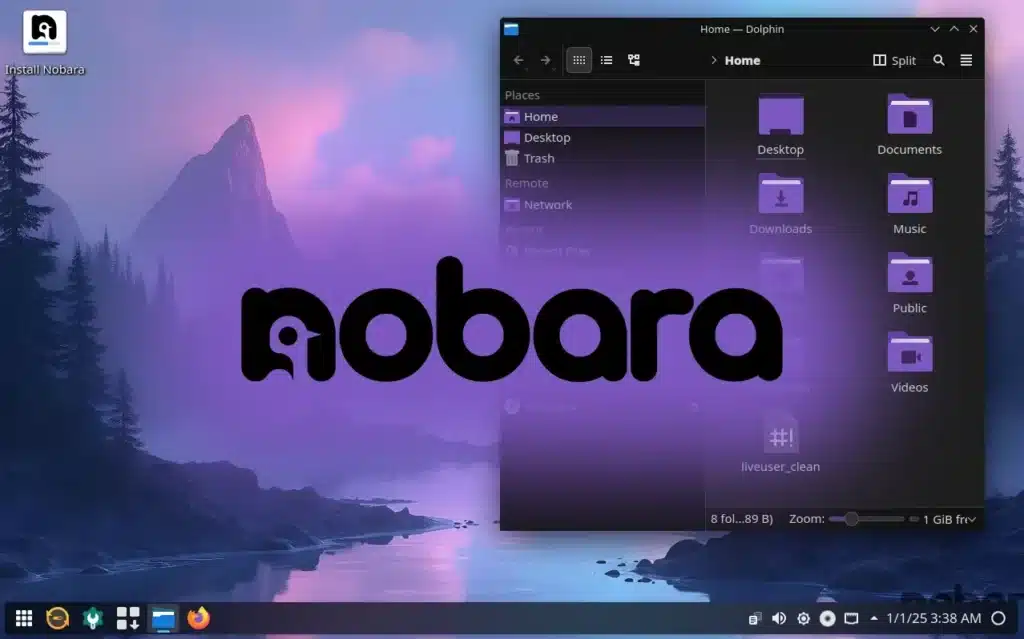
Nobara Linux has quickly become one of the strongest gaming Linux distributions available. Developed by a contributor to Proton-GE, Nobara focuses heavily on simplifying Linux gaming.
Unlike many traditional Linux distributions, Nobara comes with gaming optimizations already configured. Gamers do not need to spend hours installing drivers, codecs, and gaming utilities.
The operating system includes Proton-GE, Lutris, Wine, and numerous multimedia packages. This allows users to start gaming immediately after installation.
Performance is excellent across a wide range of games, and NVIDIA users particularly benefit from the included driver support. For beginners wanting an easy transition from Windows, Nobara stands among the best Linux distro for gaming choices.
Pros
- Gaming-ready installation
- Excellent driver support
- Great performance
- Beginner-friendly
- Includes gaming tools
Cons
- Smaller community than Ubuntu
- Frequent updates
3. Pop!_OS
Features
- Developed by System76
- Separate NVIDIA version
- Excellent hardware support
- Clean interface
- Strong gaming performance
- Ubuntu-based
Review
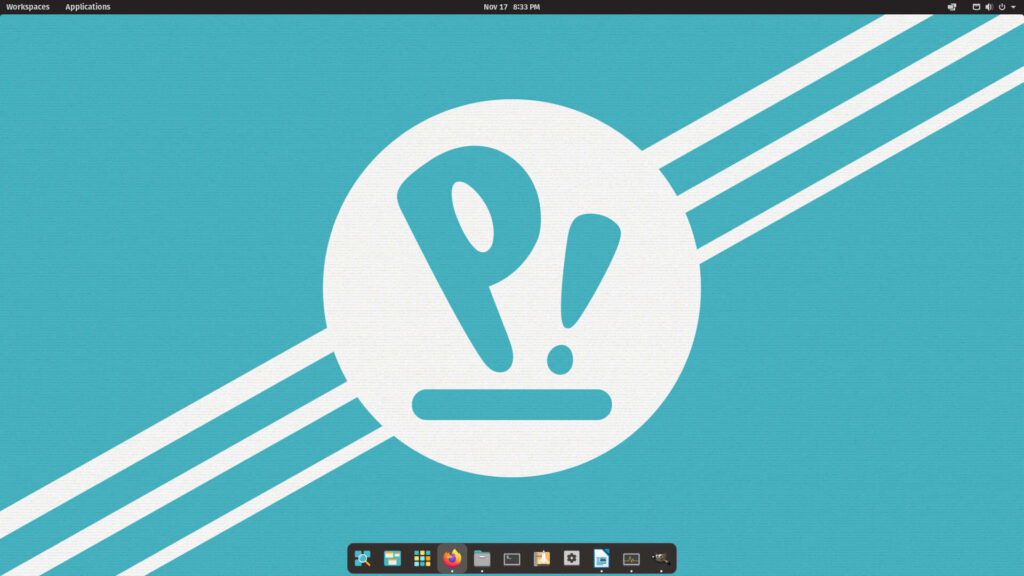
Pop!_OS has become extremely popular among gamers and content creators. The distribution provides excellent driver support and a polished desktop environment.
One of its biggest advantages is the dedicated NVIDIA installation image. This eliminates driver installation headaches commonly experienced on Linux systems.
Gaming performance remains consistently strong thanks to optimized system configurations and efficient resource management. Steam, Lutris, and Heroic Games Launcher work seamlessly.
Pop!_OS is also ideal for gamers who use their PC for both gaming and productivity. Its stability and ease of use make it a strong candidate for the best Linux distro for gaming and everyday computing.
Pros
- Easy NVIDIA installation
- Stable platform
- Great performance
- Beginner-friendly
- Excellent hardware support
Cons
- Fewer gaming-specific tweaks
- Slightly heavier than some alternatives
4. Ubuntu
Features
- Largest Linux community
- Extensive software support
- Easy installation
- Massive documentation
- Excellent driver availability
- Stable releases
Review
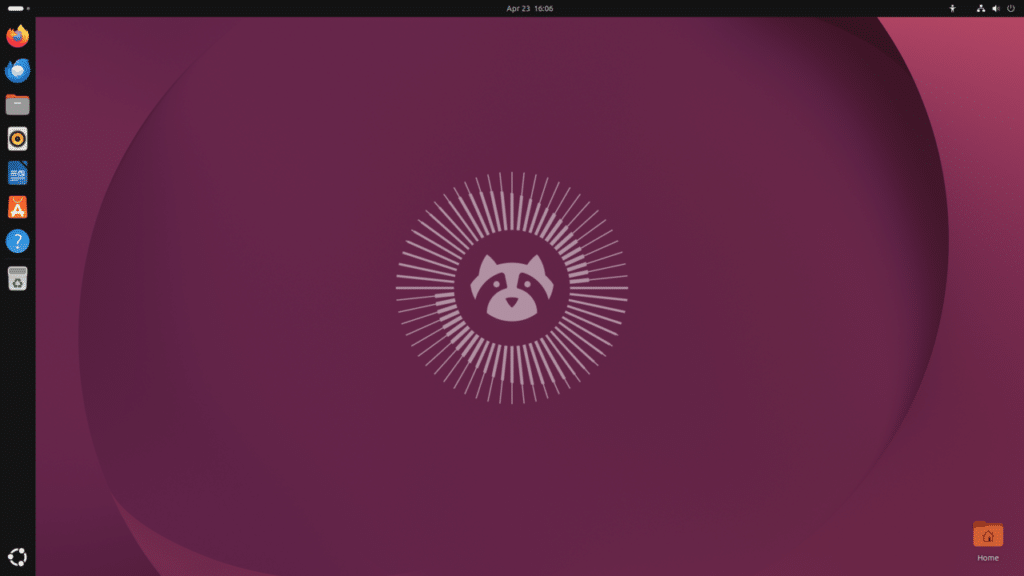
Ubuntu remains one of the safest choices for gaming on Linux. Although it is not specifically designed for gaming, its extensive ecosystem makes it highly attractive.
Most gaming tools officially support Ubuntu first. Steam, Lutris, Proton, Heroic Games Launcher, and Wine all work exceptionally well.
The large user community means troubleshooting problems is easier compared to niche distributions. Gamers can quickly find guides, tutorials, and support forums.
Ubuntu provides reliable gaming performance while maintaining excellent stability. New Linux users often find Ubuntu the easiest path toward Linux gaming.
Pros
- Huge community support
- Stable platform
- Easy setup
- Excellent software compatibility
- Extensive documentation
Cons
- Not gaming-focused
- Requires some manual optimization
5. Garuda Linux
Features
- Arch-based
- Gaming edition available
- Performance kernel
- Btrfs snapshots
- Gaming tools pre-installed
- Beautiful interface
Review
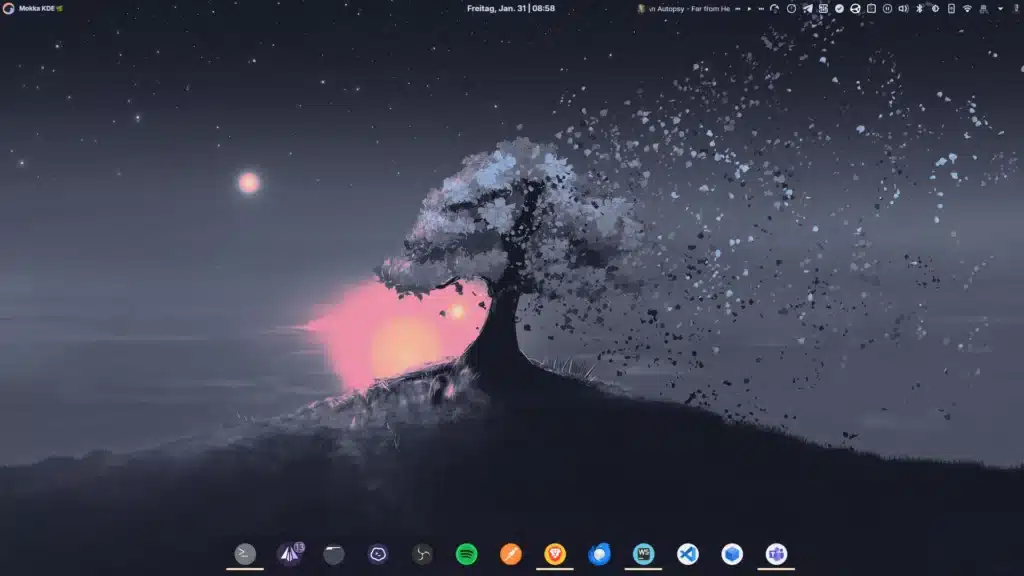
Garuda Linux is designed for users seeking cutting-edge software and gaming performance. Built on Arch Linux, it offers newer packages than many competing distributions.
The Gaming Edition includes Steam, Lutris, Wine, Proton, Heroic Launcher, and emulators. This significantly reduces setup time.
Garuda’s performance-focused kernel and system optimizations often result in excellent FPS performance. Advanced users appreciate the flexibility and customization options.
Despite being Arch-based, Garuda simplifies many traditionally complex Linux tasks, making it more approachable for newer users.
Pros
- Excellent performance
- Gaming tools included
- Modern software packages
- Attractive interface
- Advanced customization
Cons
- More updates
- Learning curve for beginners
6. Manjaro Gaming Edition
Features
- Arch-based simplicity
- Rolling release updates
- Excellent hardware detection
- Gaming software support
- User-friendly tools
- Performance-focused
Review
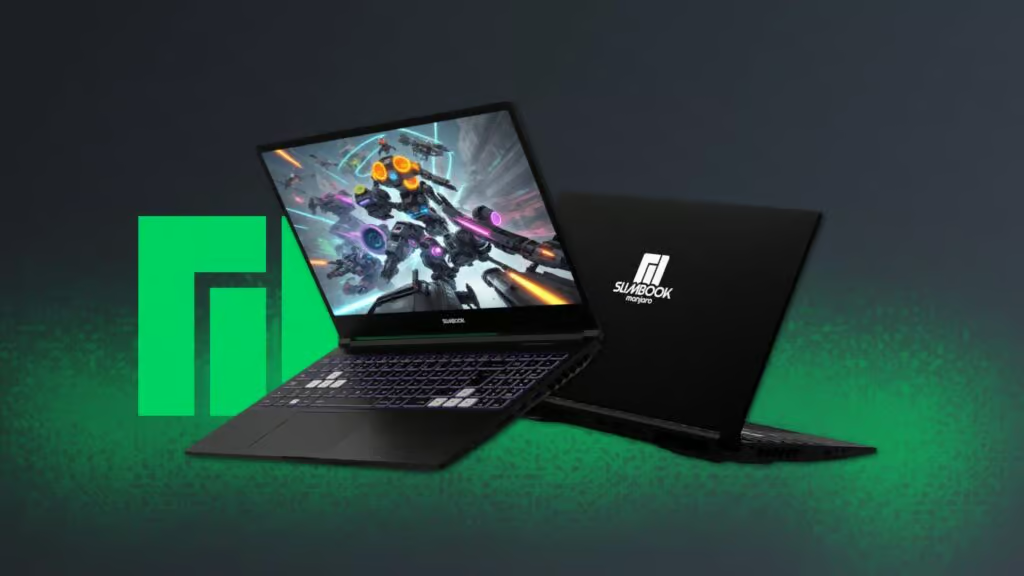
Manjaro combines Arch Linux power with beginner-friendly management tools. Gamers benefit from newer drivers and software updates without dealing directly with traditional Arch complexity.
The rolling release model ensures access to the latest gaming improvements, kernel updates, and graphics drivers.
Gaming performance is excellent, particularly for users who want newer software without sacrificing stability.
Many gamers consider Manjaro among the best Linux distro for gaming options because it balances performance, ease of use, and software availability.
Pros
- Latest drivers
- Strong gaming performance
- User-friendly
- Rolling updates
- Good hardware support
Cons
- Occasional update issues
- Requires maintenance
7. Fedora Workstation
Features
- Cutting-edge technology
- Strong security
- Excellent performance
- Modern packages
- Developer-friendly
- Reliable updates
Review
Fedora is often overlooked by gamers, but it delivers excellent gaming performance. Its modern software stack provides access to the latest Linux innovations.
Gaming support continues to improve through Steam, Proton, Lutris, and Flatpak applications. Fedora’s performance and security make it an attractive option for gamers who also use their systems for development work.
The distro remains lightweight, stable, and highly responsive during gaming sessions.
Pros
- Modern software
- Excellent security
- Stable performance
- Strong community
- Fast updates
Cons
- Shorter support cycle
- Some manual setup required
8. Linux Mint
Features
- Beginner-friendly
- Ubuntu-based
- Lightweight desktop
- Stable releases
- Easy software management
- Strong community support
Review
Linux Mint is one of the easiest Linux distributions for beginners. Gamers switching from Windows often appreciate its familiar interface and straightforward setup process.
Although Mint is not gaming-focused, it supports all major gaming platforms and drivers. Steam and Proton installation is simple, making gaming accessible even for newcomers.
Its lightweight nature leaves more system resources available for gaming.
Pros
- Extremely beginner-friendly
- Stable environment
- Lightweight
- Easy setup
- Excellent community
Cons
- Fewer gaming optimizations
- Older software packages
Final Verdict: Which Is the Best Linux Distro for Gaming?
Choosing the best Linux distro for gaming depends on your needs:
User Type | Recommended Distro |
Steam Deck Style Experience | SteamOS |
Best Overall Gaming Distro | Nobara Linux |
NVIDIA Users | Pop!_OS |
Beginners | Linux Mint |
Advanced Users | Garuda Linux |
Stable Everyday Gaming | Ubuntu |
Latest Software | Manjaro |
Developers & Gamers | Fedora |
For most gamers in 2026, Nobara Linux offers the best balance of performance, ease of use, gaming tools, and compatibility. However, SteamOS remains the top choice for users heavily invested in the Steam ecosystem.
Advanced Troubleshooting
Restart Network Hardware
- Turn off Xbox.
- Unplug router.
- Wait 60 seconds.
- Restart router.
- Turn Xbox back on.
Forget and Reconnect
Remove the saved network and reconnect using the SSID.
Check Router Settings
Ensure:
- Wireless broadcasting is enabled.
- Security settings are supported.
- MAC filtering is not blocking the Xbox.
Update Router Firmware
Manufacturers regularly release stability and security updates.
Reset Network Settings
If all else fails, reset the network configuration and set up the connection again.
Frequently Asked Questions
Yes. Use the Add Network option and manually enter the SSID and password.
The network may be hidden, out of range, or experiencing interference.
The network may be hidden, out of range, or experiencing interference.
Yes. Enter the network name exactly as configured on your router.
It provides minor privacy benefits but should be combined with WPA2 or WPA3 encryption.
Yes. Once configured successfully, Xbox usually reconnects automatically whenever the network is available.
Depending on the game and hardware, Linux may provide equal or sometimes better performance than Windows.
Conclusion
Knowing how to specify an SSID on Xbox is an important skill when connecting to hidden or unavailable Wi-Fi networks. Whether you’re using an Xbox Series X, Xbox Series S, or Xbox One, manually entering your network name is a straightforward process that can quickly restore internet access.
By carefully entering the correct SSID, verifying your password, and following the troubleshooting steps outlined in this guide, you can enjoy uninterrupted gaming, streaming, and online services. For the best gaming experience, consider optimizing your Wi-Fi setup or using a wired Ethernet connection whenever possible.
A properly configured network ensures smoother gameplay, faster downloads, and a more reliable Xbox experience overall.