 admin
admin 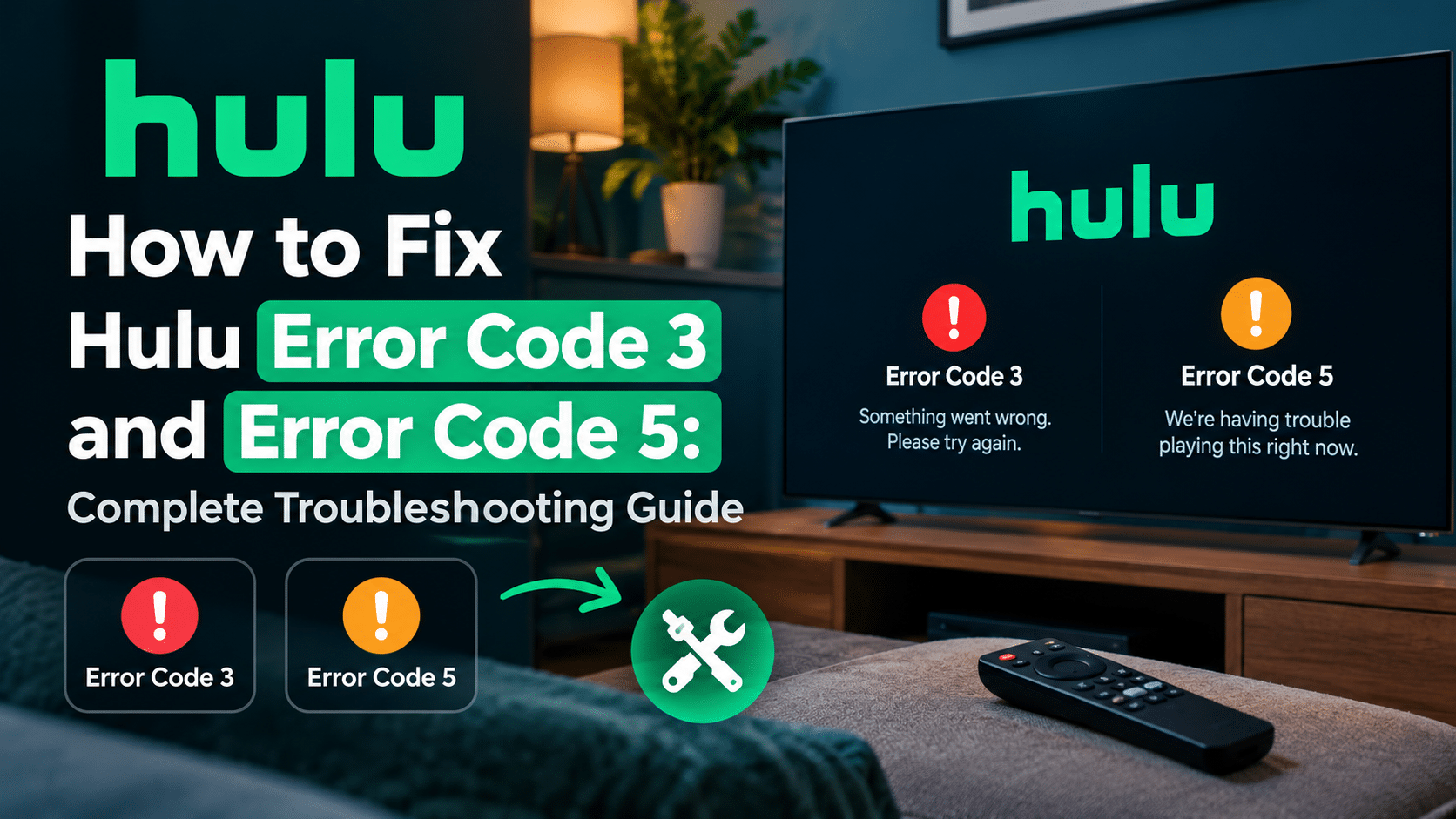
Hulu is one of the most popular streaming platforms, offering thousands of TV shows, movies, live channels, and exclusive content. However, like any streaming service, Hulu users occasionally encounter technical issues that interrupt their viewing experience. Two of the most common problems are Hulu Error Code 3 and Hulu Error Code 5.
These errors are usually related to network connectivity, communication issues between your device and Hulu’s servers, or temporary app-related problems. If you’re wondering how to fix Hulu Error Code 3 and Error Code 5, this detailed guide will walk you through the causes, solutions, and prevention tips to get Hulu working again.
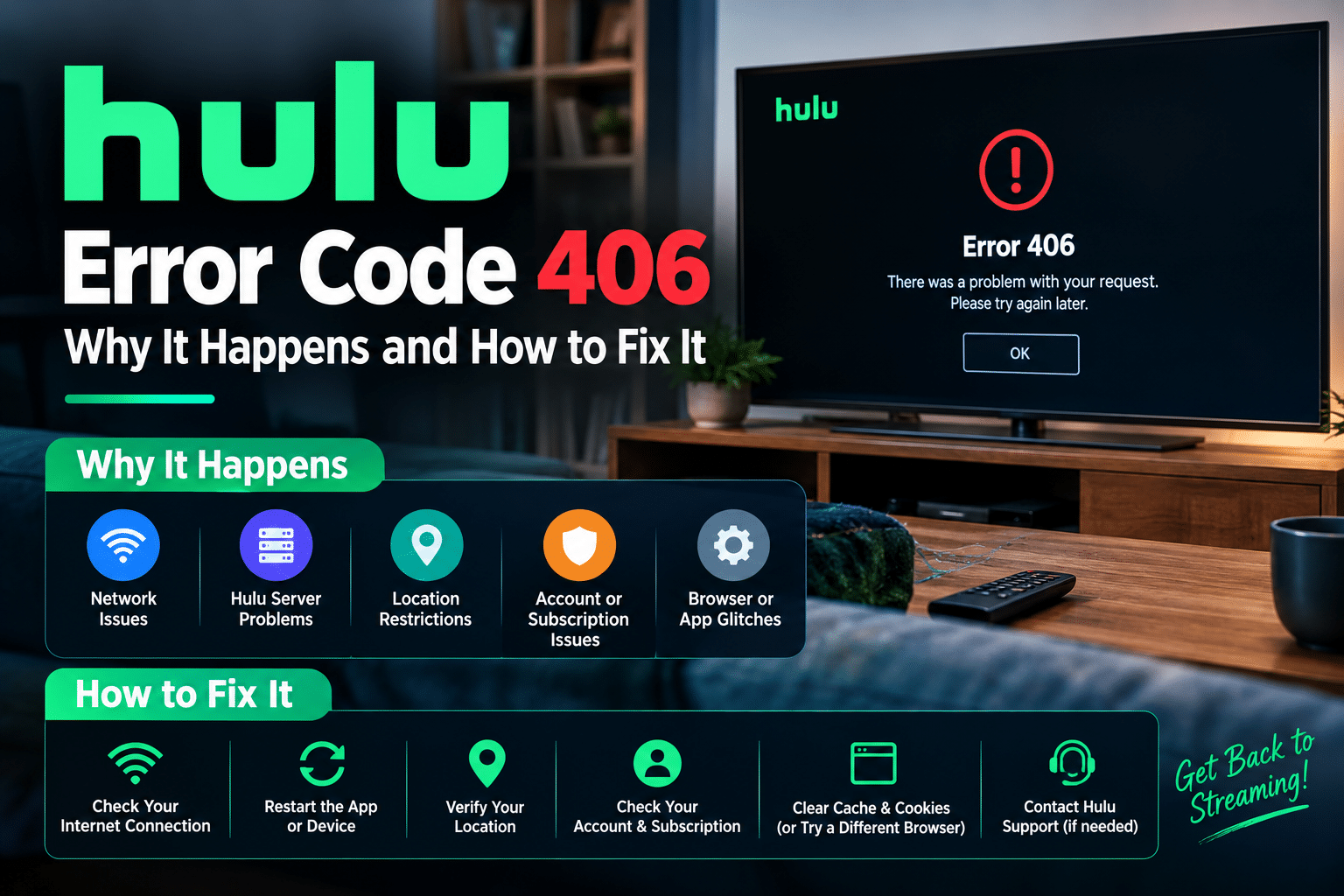
If you’re facing other Hulu streaming issues, you may also want to read our guide on How to Prevent Hulu Error Code 406, which covers additional troubleshooting methods for Hulu playback and connection problems.
What Is Hulu Error Code 3?
Hulu Error Code 3 typically appears when the Hulu app cannot establish a stable connection with Hulu’s servers. This error is often associated with internet connectivity problems, server communication failures, or device-related network issues.
Common Symptoms of Hulu Error Code 3
Users experiencing Hulu Error Code 3 may notice:
- Videos failing to load
- Endless buffering
- Hulu app freezing during playback
- Connection timeout messages
- Streaming interruptions
- Black screen while loading content
Because Hulu relies on a continuous internet connection, even minor network interruptions can trigger this error.
What Is Hulu Error Code 5?
Hulu Error Code 5 is another connectivity-related issue that usually occurs when Hulu encounters problems communicating with its servers. The error can appear on Smart TVs, Roku devices, Firestick, Android phones, iPhones, gaming consoles, and web browsers.
Common Symptoms of Hulu Error Code 5
You may experience:
- Hulu not loading properly
- Streaming failures
- Login issues
- Content unavailable messages
- Playback interruptions
- App crashes or freezes
Although Error Code 3 and Error Code 5 are slightly different, they often share the same underlying causes and solutions.
Main Causes of Hulu Error Code 3 and Error Code 5
Understanding the cause of the problem makes troubleshooting easier.
Unstable Internet Connection
A slow or unstable internet connection is the most common reason behind Hulu streaming errors.
Router or Modem Issues
Network hardware can occasionally experience glitches that interrupt communication with Hulu servers.
Hulu Server Outages
Temporary server maintenance or outages can prevent Hulu from working properly.
Corrupted App Cache
Stored app data may become corrupted and cause playback problems.
Outdated Hulu Application
Using an old version of Hulu can create compatibility issues with Hulu’s latest services.
VPN or Proxy Services
VPNs and proxy servers may interfere with Hulu’s ability to verify your connection and location.
Device Software Problems
Outdated operating systems can create compatibility issues that trigger Hulu errors.
Account Authentication Issues
Expired login sessions can sometimes prevent Hulu from establishing a secure connection.
How to Fix Hulu Error Code 3 and Error Code 5
Follow these troubleshooting methods to resolve the issue.
Fix 1: Check Your Internet Connection
A stable internet connection is essential for Hulu streaming.
Steps to Test Your Network
- Open an internet speed test tool.
- Check your download and upload speeds.
- Restart your modem and router.
- Disconnect unused devices from the network.
- Move closer to the Wi-Fi router.
If possible, use a wired Ethernet connection for improved stability.
Fix 2: Restart the Hulu App
Temporary app glitches can often be fixed with a simple restart.
Mobile Devices
- Close Hulu completely.
- Remove it from background applications.
- Wait a few seconds.
- Relaunch Hulu.
Smart TVs and Streaming Devices
- Exit Hulu.
- Return to the home screen.
- Force close the app if supported.
- Reopen Hulu.
This quick solution resolves many temporary playback issues.
Fix 3: Power Cycle Your Router and Modem
Restarting network equipment can refresh your internet connection.
How to Restart Your Router
- Turn off your modem and router.
- Unplug both devices.
- Wait for 60 seconds.
- Plug them back in.
- Allow them to reconnect fully.
Once the connection is restored, launch Hulu again.
Fix 4: Clear Hulu Cache and Data
Corrupted cache files often cause streaming problems.
Android Devices
- Open Settings.
- Select Apps.
- Tap Hulu.
- Open Storage.
- Select Clear Cache.
Other Devices
Many Smart TVs and streaming devices provide cache-clearing options within application settings.
Clearing cache removes temporary files that may be causing conflicts.
Fix 5: Update the Hulu App
An outdated app version can lead to streaming and connectivity issues.
Update Hulu
- Open the App Store or Google Play Store.
- Search for Hulu.
- Install any available updates.
- Restart the device after updating.
Using the latest version ensures maximum compatibility.
Fix 6: Restart Your Device
Sometimes the issue originates from your device rather than Hulu.
Steps
- Turn off the device completely.
- Wait 30 seconds.
- Power it back on.
- Launch Hulu.
Restarting clears temporary memory and software conflicts.
Fix 7: Verify Hulu Server Status
Before spending time troubleshooting, verify whether Hulu is experiencing a service outage.
Look for:
- Maintenance announcements
- User outage reports
- Service interruption notifications
- Social media updates
If Hulu servers are down, you’ll need to wait until service is restored.
Fix 8: Sign Out and Sign Back In
Account-related issues can sometimes trigger Hulu Error Code 3 and Error Code 5.
Steps
- Open Hulu settings.
- Sign out.
- Close the app.
- Reopen Hulu.
- Sign back in.
This refreshes your authentication session.
Fix 9: Disable VPN or Proxy Services
VPNs can interfere with Hulu’s location verification systems.
If you’re using:
- VPN software
- Proxy servers
- Smart DNS services
Disable them temporarily and test Hulu again.
Many users find that streaming errors disappear after switching to a direct internet connection.
Fix 10: Reinstall Hulu
If nothing else works, reinstalling Hulu can help.
Steps
- Uninstall Hulu.
- Restart the device.
- Download Hulu again.
- Log into your account.
- Test playback.
A fresh installation removes corrupted files and restores default settings.
Fix 11: Update Your Device Software
Device software updates often contain bug fixes and compatibility improvements.
Check for updates on:
- Android
- iPhone
- iPad
- Roku
- Firestick
- Apple TV
- Xbox
- PlayStation
- Smart TVs
Keeping your device updated helps prevent Hulu connectivity issues.
Hulu Error Code 3 and Error Code 5 on Roku
If you’re using Roku, try:
- Updating Roku OS
- Restarting Roku
- Reinstalling Hulu
- Checking Wi-Fi settings
- Restarting your router
Roku users frequently resolve these errors through software updates.
Hulu Error Code 3 and Error Code 5 on Firestick
Firestick users should:
- Clear Hulu cache
- Force stop the app
- Restart Firestick
- Update Fire OS
- Reinstall Hulu
These steps often restore normal streaming performance.
Hulu Error Code 3 and Error Code 5 on Smart TVs
Smart TV users can:
- Update TV firmware
- Restart the television
- Reinstall Hulu
- Check internet connectivity
Firmware updates are especially important for older televisions.
Hulu Error Code 3 and Error Code 5 on Mobile Devices
Android and iPhone users should:
- Update Hulu
- Clear cache
- Restart the device
- Reinstall the application
Mobile streaming issues are often caused by app-related problems.
How to Prevent Hulu Error Code 3 and Error Code 5
Preventive maintenance can reduce future Hulu streaming problems.
Keep Hulu Updated
Always install the latest app updates.
Use a Stable Internet Connection
Reliable internet significantly reduces playback interruptions.
Restart Your Router Regularly
Occasional router reboots can improve network performance.
Clear Cache Periodically
Removing temporary files helps prevent app corruption.
Keep Device Software Updated
Operating system updates improve compatibility and security.
Avoid Unsupported VPN Services
Direct internet connections generally provide the best Hulu experience.
Monitor Hulu Server Status
Checking for service outages can save time when troubleshooting.
For additional Hulu troubleshooting tips, you may also find our guide on How to Prevent Hulu Error Code 406 useful. Many Hulu errors share similar causes, including network issues, outdated software, and corrupted cache files.
Frequently Asked Questions
Hulu Error Code 3 is usually caused by internet connectivity issues, server communication failures, corrupted cache files, or outdated applications.
Hulu Error Code 5 commonly occurs when Hulu cannot communicate properly with its servers due to network problems, VPN interference, or app-related issues.
Yes. Restarting your modem and router often resolves temporary connection issues.
Absolutely. Corrupted cache files are a common cause of Hulu playback and connection problems.
Yes. VPNs and proxy services can interfere with Hulu’s authentication and location verification systems.
Final Thoughts
Hulu Error Code 3 and Error Code 5 are among the most common Hulu streaming errors, but they are usually easy to fix. Most users can resolve these issues by checking their internet connection, restarting their router, clearing cache files, updating Hulu, disabling VPNs, or reinstalling the app.
By following the troubleshooting methods outlined in this guide, you can quickly restore Hulu streaming and enjoy your favorite content without interruptions. If you’re looking to avoid future playback issues, be sure to explore our guide on How to Prevent Hulu Error Code 406, which covers additional best practices for maintaining a smooth Hulu streaming experience.