 admin
admin 
If you’ve ever asked yourself, “how to measure a laptop”, you’re not alone. Whether you’re buying a laptop bag, a skin, a sleeve, or just comparing devices, knowing your laptop’s correct dimensions is essential. Many people assume the advertised laptop size is the total measurement, but in reality, manufacturers often list the screen size only—not the full body dimensions.
In this detailed guide, we’ll explain exactly how to measure a laptop properly, including screen size, width, height, depth, and thickness. We’ll also share why measurements matter, the tools you’ll need, and tips for getting accurate results.
Table of Contents
ToggleWhy Learning How to Measure a Laptop Matters

Before we dive into the steps, let’s answer an important question: why bother measuring your laptop in the first place?
Buying the Right Laptop Bag or Sleeve – A “15-inch” laptop might not fit in every 15-inch sleeve due to bezel and body size differences.
Choosing Skins or Keyboard Covers – Accessories are designed to fit precise measurements.
Comparing Models – Measuring helps you compare portability and ergonomics between different laptops.
Custom Desk or Stand Setup – If you’re designing a workstation, knowing your laptop’s exact footprint helps with spacing.
So when you search for how to measure a laptop, you’re really looking for more than just the diagonal screen size—you want accurate physical dimensions.
Tools You’ll Need to Measure a Laptop
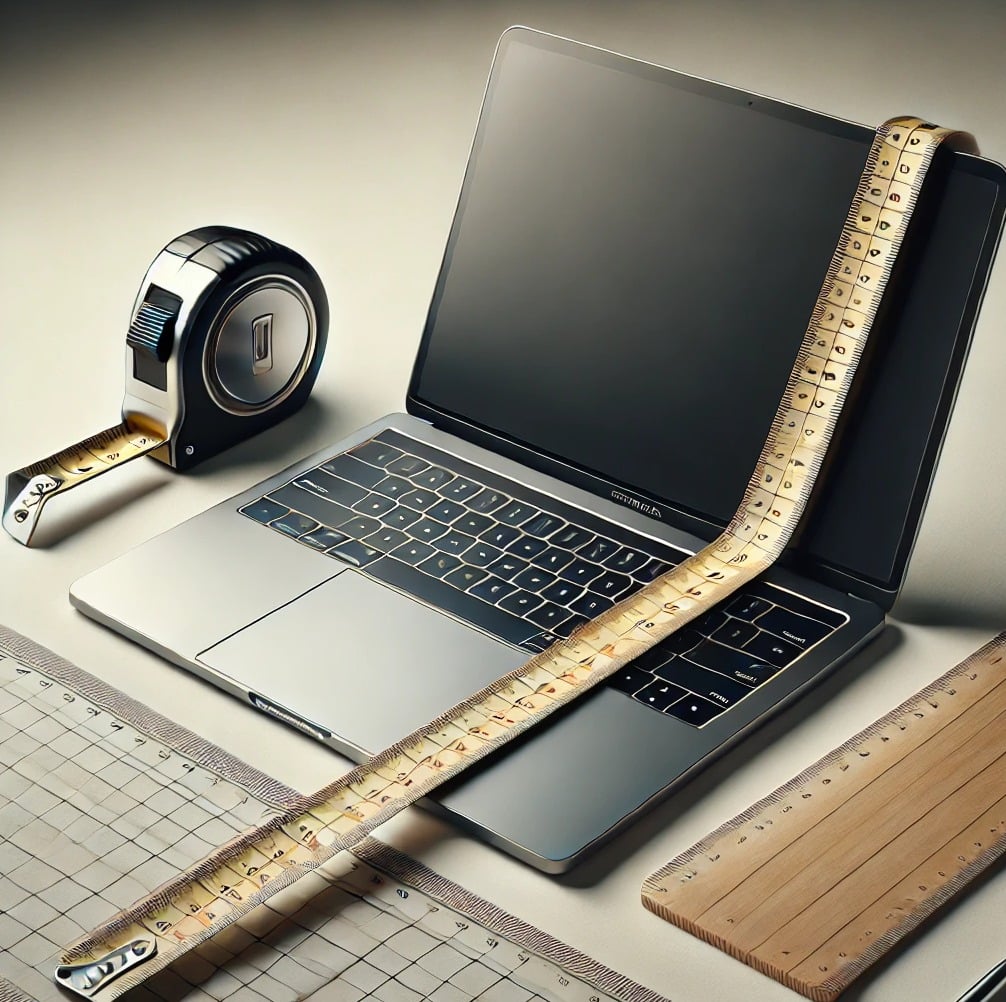
- You don’t need advanced equipment. Just a few simple tools:
- Measuring tape or ruler (preferably in both inches and centimeters)
- Flat surface to place the laptop on
- Pen and paper (or phone notes) to record measurements
- Optional:
- Digital caliper for very precise thickness measurements
- Manufacturer’s spec sheet to compare your measurements
How to Measure a Laptop: Step-by-Step
Here’s the complete process for measuring any laptop.
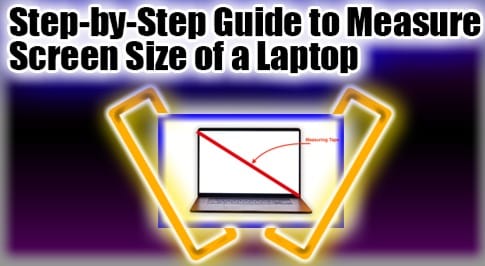
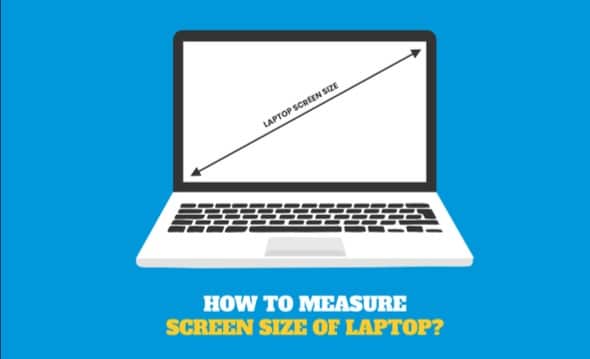
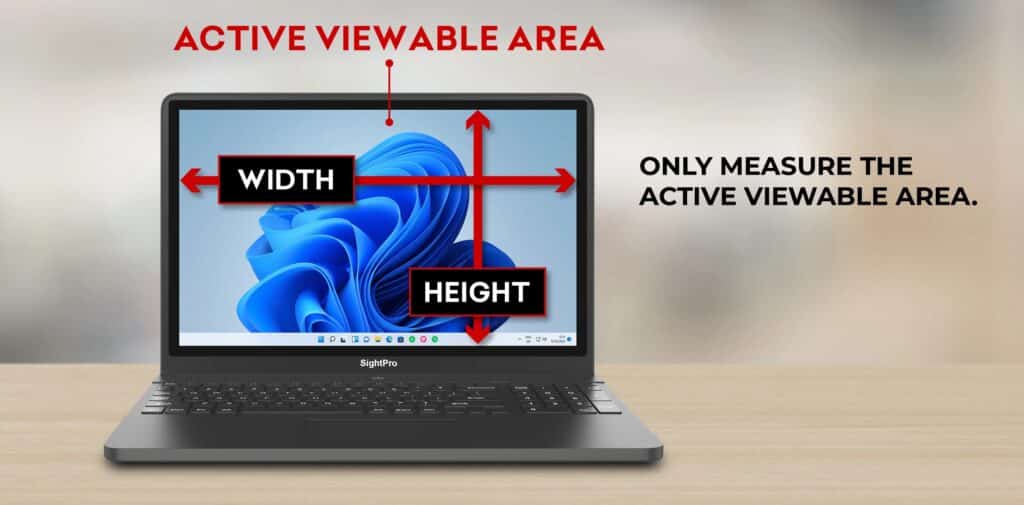
Step 1: Measure the Screen Size (Diagonal)
- Open your laptop lid.
- Place your measuring tape at the bottom-left corner of the actual screen display (not including the bezel).
- Stretch it diagonally to the top-right corner.
This gives you the screen size in inches.
For example: 13.3”, 14”, 15.6”, or 17.3”.
Important: When manufacturers say “15-inch laptop,” they are referring to the screen diagonal—not the total laptop body size.
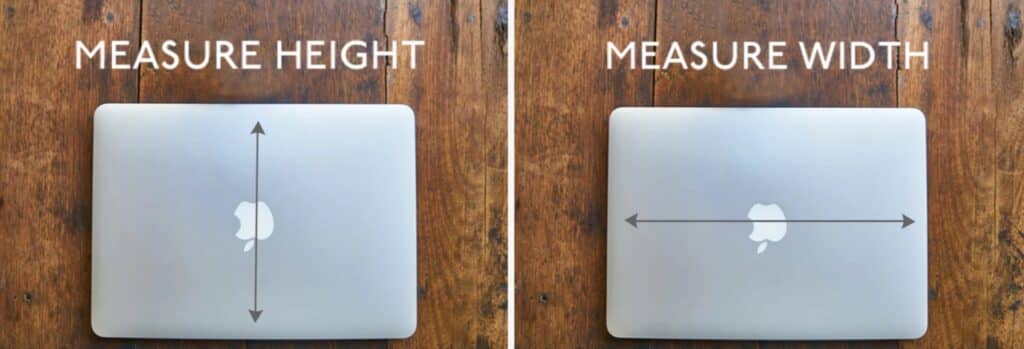
Step 2: Measure Width (Side to Side)
- Close the laptop.
- Place it on a flat surface.
- Measure from the left edge to the right edge.
This is the width of your laptop.
Step 3: Measure Depth (Front to Back)
- Keep the laptop closed.
- Place the measuring tape from the front edge to the back hinge.
This gives the depth (length) measurement.
Step 4: Measure Height/Thickness
- Keep the laptop closed.
- Measure from the base (bottom surface) to the top lid.
Laptops often have tapered designs, so measure at the thickest point.
Step 5: Record All Measurements
- Screen size (inches, diagonal)
- Width (inches/cm)
- Depth (inches/cm)
- Height/thickness (inches/cm)
Now you know exactly how to measure a laptop for sleeves, stands, or comparison.
Example Laptop Measurement
Let’s measure a standard 15.6-inch laptop:
- Screen size: 15.6 inches (diagonal)
- Width: ~14 inches (35.6 cm)
- Depth: ~9.8 inches (24.8 cm)
- Height: ~0.8 inches (2 cm)
Even though it’s called a “15.6-inch laptop,” the actual body is closer to 14 x 10 inches.
How to Measure a Laptop for a Bag or Sleeve
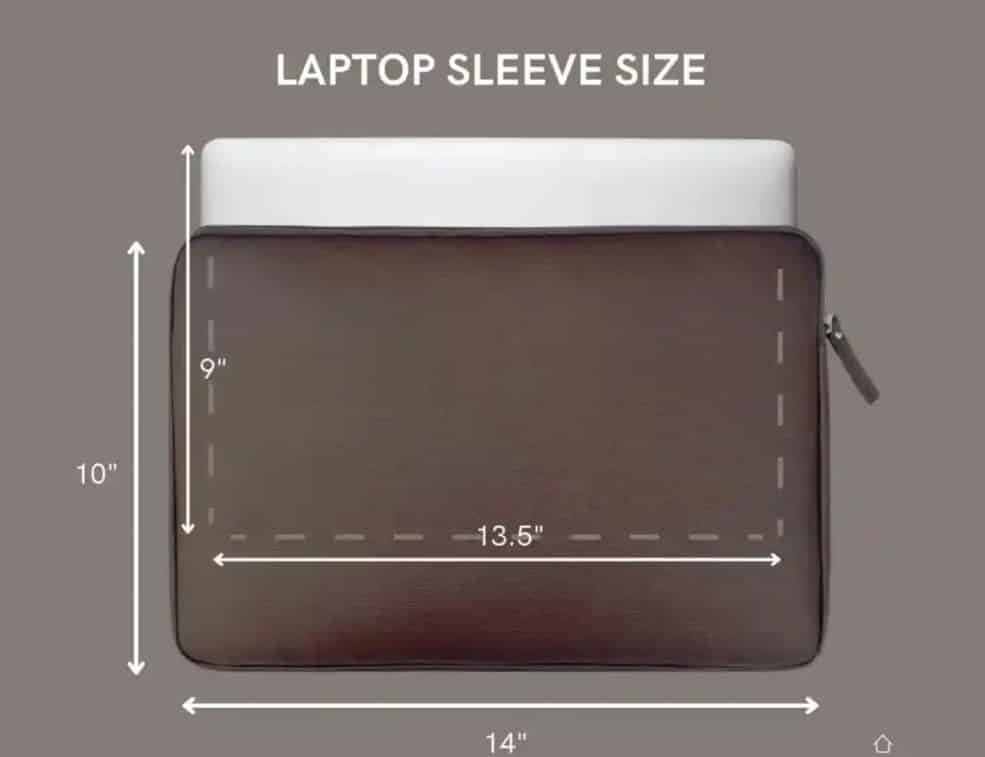
If your goal is to buy a laptop sleeve or bag, follow these extra tips:
- Add 0.5–1 inch of space for comfort when choosing a sleeve.
- For tight-fit sleeves, always use exact measurements.
- For hard-shell cases, make sure the case is designed for your laptop’s exact model.
Example: A MacBook Air 13.6” may not fit a generic 13-inch sleeve due to its wider body.
How to Measure Laptop Screen Size Without a Tape
If you don’t have a measuring tool:
- Check your laptop’s model number (usually on the bottom).
- Search online with “[model number] specs.”
- Manufacturers list screen sizes and dimensions in official documentation.
This method ensures accuracy if you can’t physically measure.
How to Measure a Laptop for Replacement or Upgrades
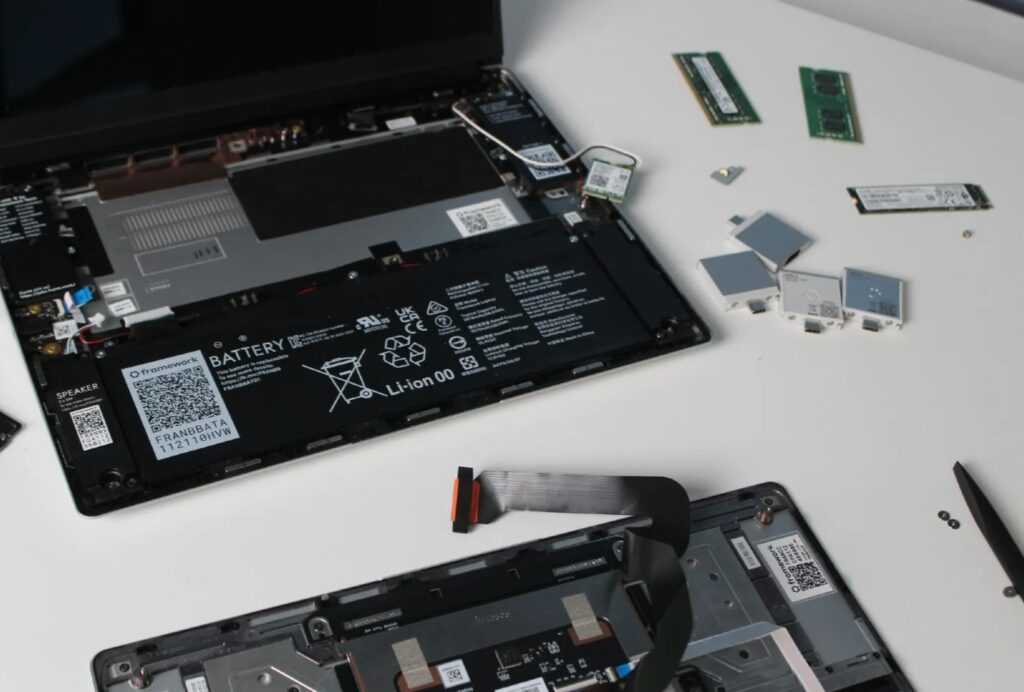
Sometimes you may need dimensions for replacement parts (like a new keyboard, battery, or bezel).
- Measure the base dimensions to match the keyboard or palm rest.
- Check thickness if replacing the battery.
- Use a caliper for exact fit if working with third-party parts.
Common Mistakes When Measuring a Laptop
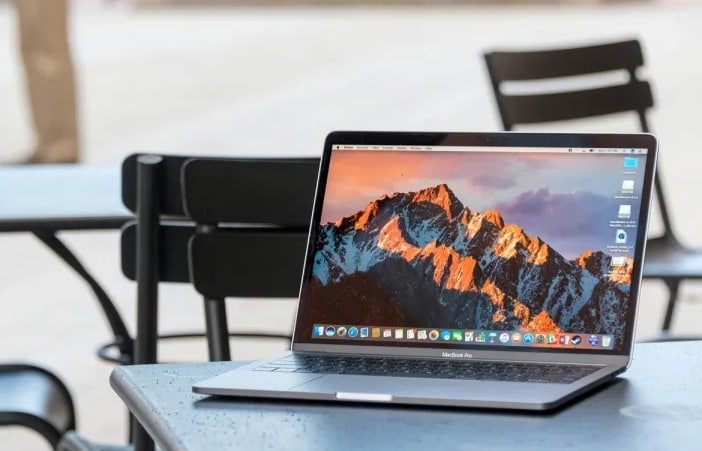
When people ask how to measure a laptop, they often make these mistakes:
- Measuring bezel instead of just the screen for display size.
- Confusing width and depth.
- Ignoring thickness variations (some laptops are thicker at the hinge).
- Assuming all “15-inch laptops” are the same size (they’re not).
Avoiding these mistakes ensures you buy the right accessories.
Laptop Size Categories
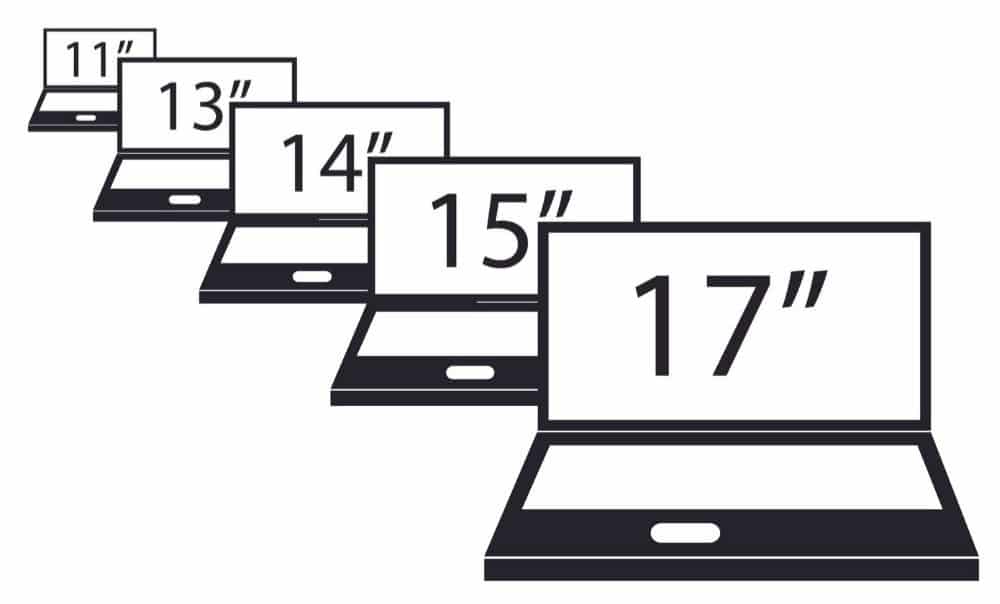
Understanding laptop categories helps too:
- 11–13 inches: Compact, ultra-portable (MacBook Air, ASUS ZenBook).
- 14–15 inches: Balanced for work and play (Lenovo ThinkPad, Dell XPS).
- 16–17 inches: Desktop replacement, heavy gaming (Alienware, ROG).
Knowing where your laptop fits makes choosing accessories easier.
Measuring for Stands and Docking Stations
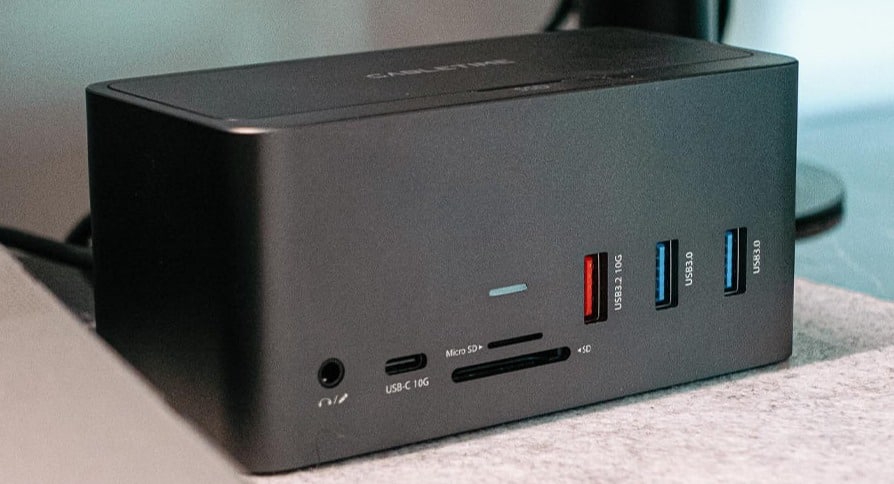
If you’re planning to use a laptop stand, dock, or riser, measure:
- Width and depth for base stability.
- Weight (check manufacturer’s website).
- Screen size to confirm compatibility with adjustable holders.
Pro Tips for Accurate Laptop Measurement
Always measure in inches, since most laptop accessories use inch sizing.
Cross-check with manufacturer specs for accuracy.
For bags, measure with the laptop inside a protective case, if you use one.
When in doubt, size up slightly for sleeves and bags.
Final Thoughts
If you’re asking yourself, “how to measure a laptop”, the answer depends on what you need—screen size, body dimensions, or accessory fitting. The key is knowing that the advertised laptop size usually refers to the screen diagonal, not the overall body size.
By following the step-by-step guide above, you can accurately measure your laptop’s screen size, width, depth, and thickness. Whether you’re buying a sleeve, choosing a desk setup, or comparing models, proper measurement ensures you always get the perfect fit.
Now, the next time someone asks “how do I measure my laptop?”, you’ll know the exact method and avoid common mistakes.