
How to Improve Phone Battery Life: Complete Guide to Making Your Smartphone Battery Last Longer
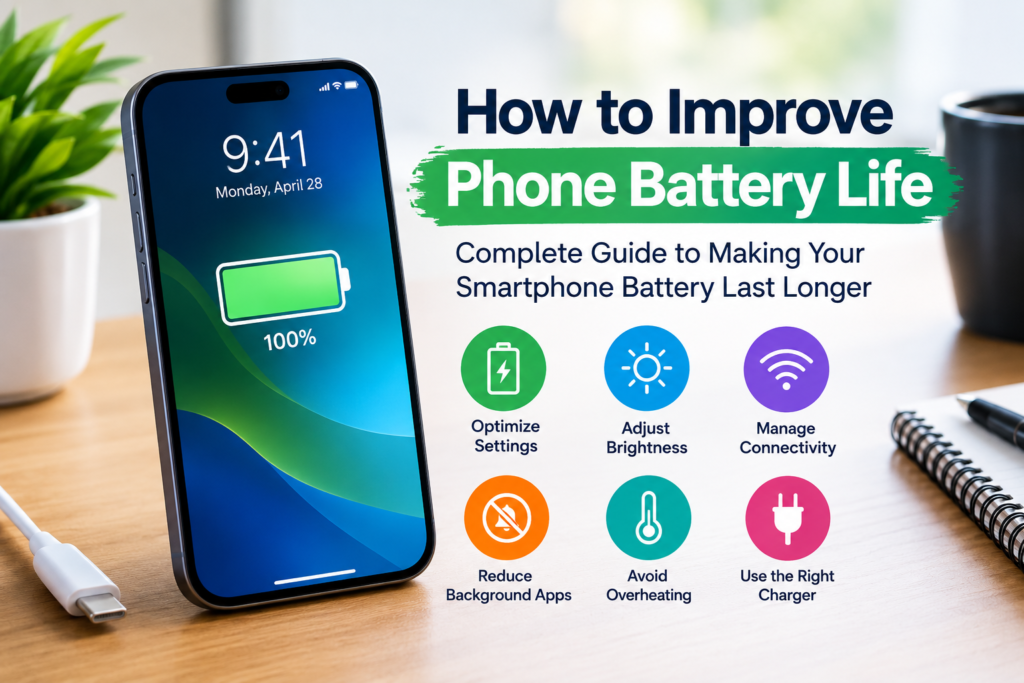
Smartphones have become an essential part of our daily lives. From communication and entertainment to work and navigation, we rely on our phones for almost everything. However, one of the most common frustrations among smartphone users is poor battery performance. If your phone battery drains too quickly, it can disrupt productivity and leave you searching for a charger throughout the day.
The good news is that there are many practical ways to improve phone battery life without purchasing a new device. Whether you use an Android smartphone or an iPhone, understanding how batteries work and adopting a few smart habits can significantly extend battery performance.
In this comprehensive guide, you’ll learn how to improve phone battery life, reduce battery drain, and maximize battery health for long-term performance.
Why Phone Battery Life Matters
A smartphone’s battery directly affects your overall user experience. Better battery life means:
- More screen time throughout the day
- Less dependence on power banks
- Improved productivity
- Better device performance
- Longer battery lifespan
- Reduced charging frequency
- Enhanced travel convenience
Understanding what drains your battery is the first step toward improving battery performance.
Common Reasons Your Phone Battery Drains Quickly
Before discussing solutions, it’s important to understand what causes excessive battery consumption.
High Screen Brightness. Your display is one of the largest consumers of battery power. Keeping brightness levels too high can significantly reduce battery life.
Background Apps Running Continuously. Many applications continue operating in the background even when you’re not actively using them.
Poor Network Signal. When your phone struggles to maintain a connection, it uses additional power searching for cellular networks.
Location Services. GPS tracking and location-based apps can quickly drain battery power.
Excessive Notifications. Frequent push notifications constantly wake your device and consume energy.
Outdated Software. Older software versions may contain bugs that negatively impact battery efficiency.
Battery Aging. Lithium-ion batteries naturally lose capacity over time, reducing their ability to hold a charge.
How to Improve Phone Battery Life
Let’s explore proven methods to make your smartphone battery last longer.
Reduce Screen Brightness
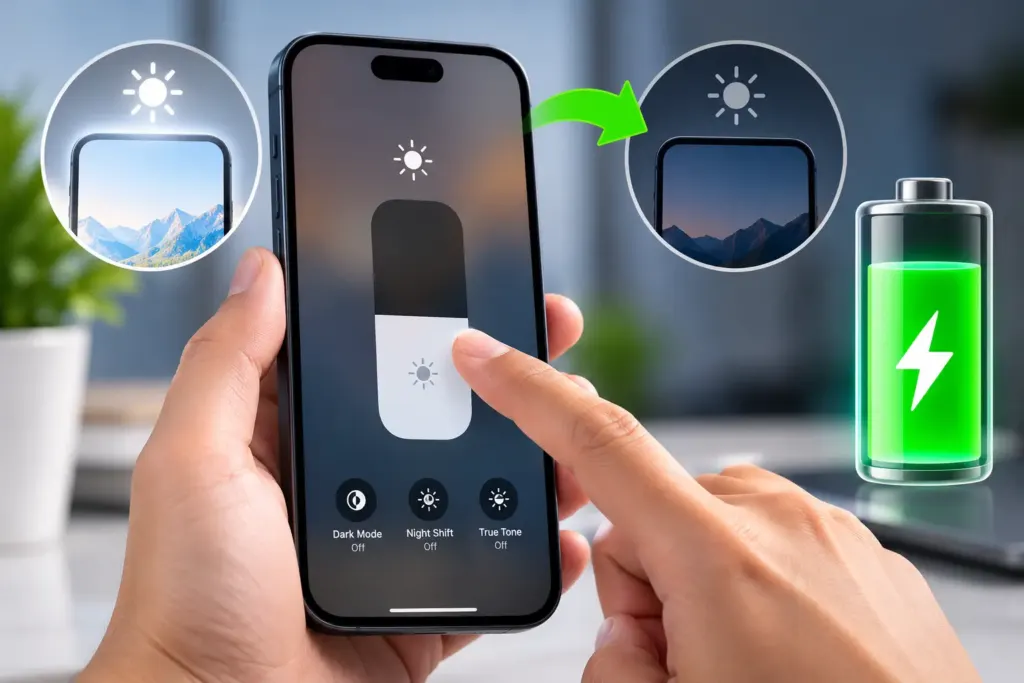
One of the easiest ways to save battery is by lowering screen brightness.
Tips:
- Enable Auto Brightness.
- Reduce brightness manually when indoors.
- Avoid using maximum brightness unless necessary.
- Use adaptive brightness features.
Lower brightness settings can significantly improve battery performance throughout the day.
Enable Battery Saver Mode
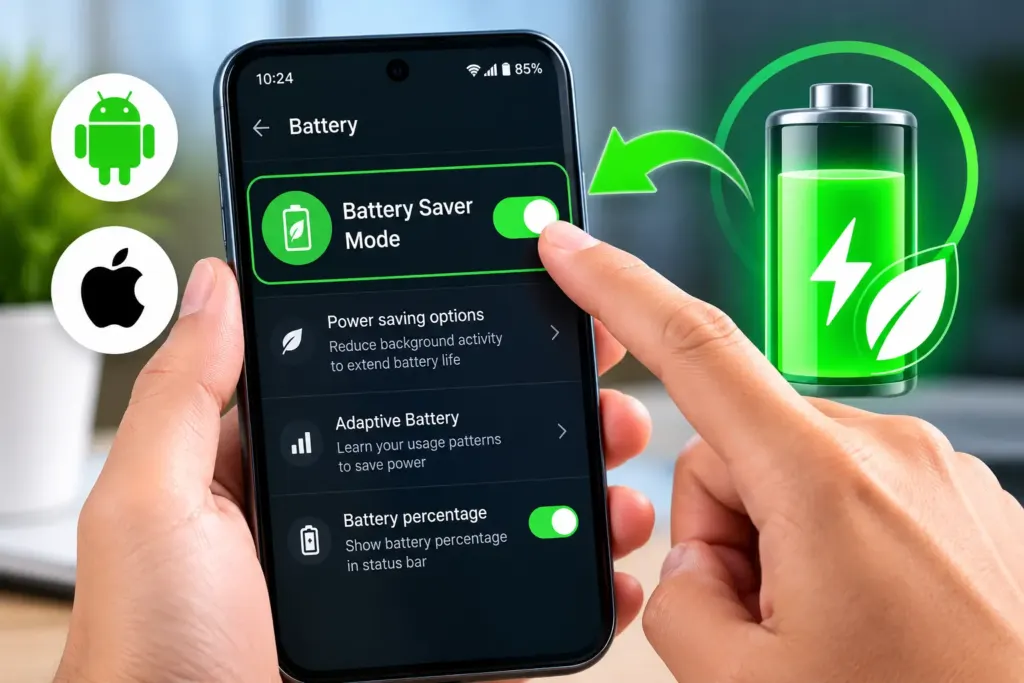
Most smartphones include built-in battery-saving features.
Android
- Battery Saver
- Adaptive Battery
- Extreme Battery Saver
iPhone
- Low Power Mode
Battery saver modes limit background activities and reduce unnecessary power consumption.
Manage Background Applications
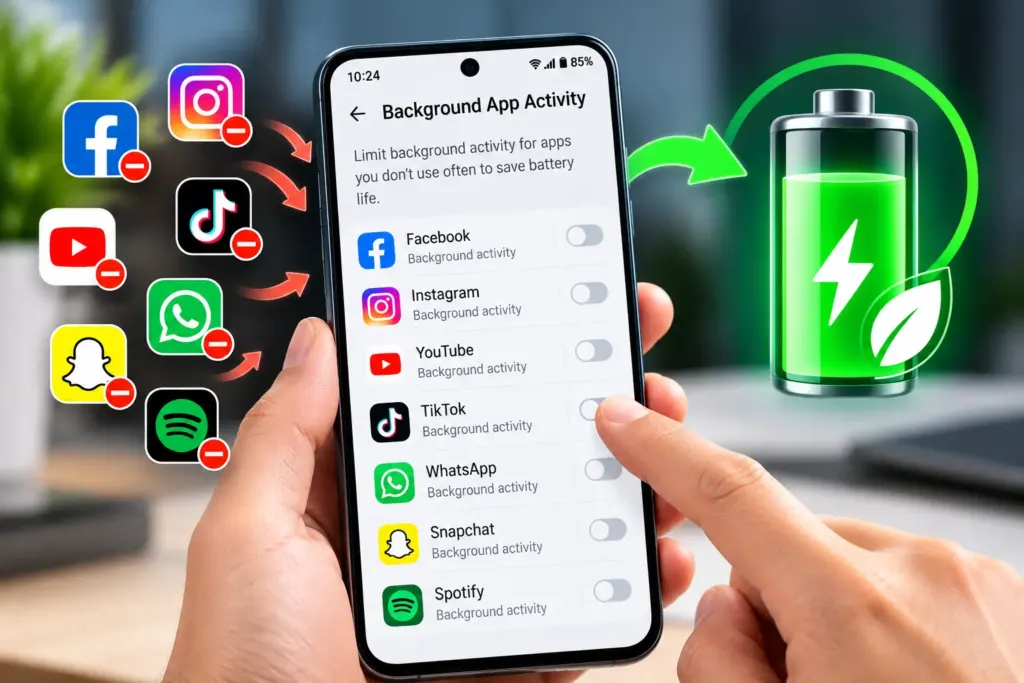
Apps running in the background consume battery even when you’re not using them.
How to Reduce Background Activity
- Close unused applications.
- Restrict background refresh.
- Disable background data for unnecessary apps.
- Review battery usage statistics regularly.
This helps identify applications responsible for excessive battery drain.
Turn Off Unused Connectivity Features
Many connectivity features continue consuming power when left enabled.
Features to Disable When Not Needed
- Bluetooth
- Wi-Fi
- GPS
- NFC
- Mobile Hotspot
- AirDrop (iPhone)
Turning off unused services can noticeably improve battery life.
Optimize Location Settings
Location services are useful but can consume a considerable amount of power.
Best Practices
- Allow location access only while using apps.
- Disable location tracking for unnecessary applications.
- Turn off precise location when not required.
These adjustments can help reduce battery drain.
Use Dark Mode to Save Battery
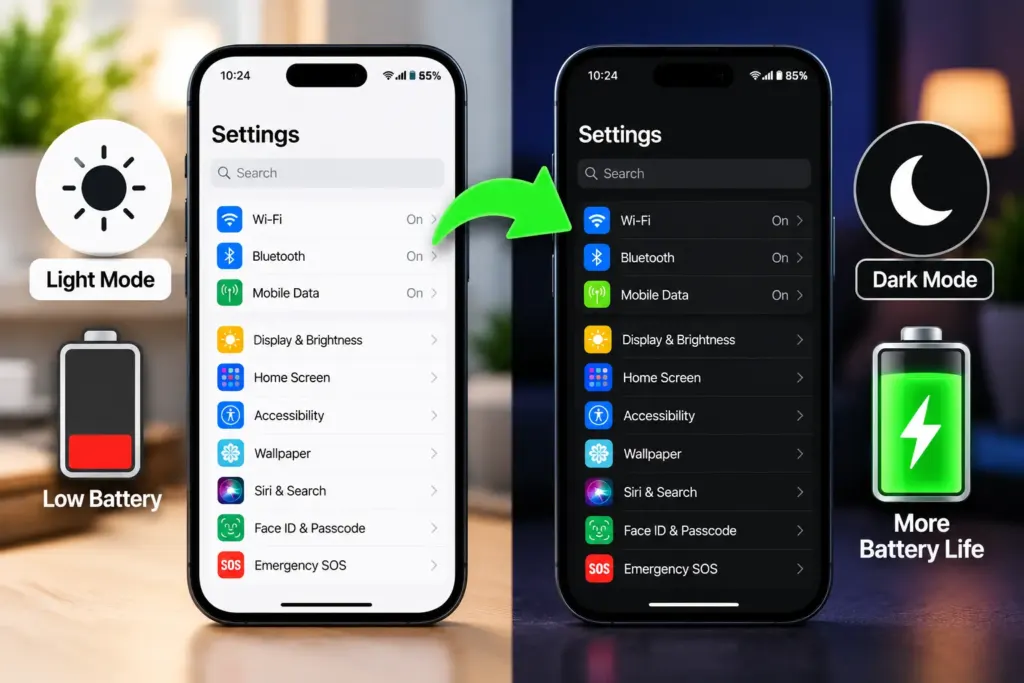
Dark Mode can help extend battery life on devices with OLED or AMOLED displays.
Benefits of Dark Mode
- Reduced power consumption
- Less eye strain
- Improved nighttime viewing
- Enhanced battery efficiency
Many modern smartphones offer system-wide dark mode settings.
Update Your Phone Software
Manufacturers frequently release software updates that improve battery optimization.
Why Updates Matter
Software updates often include:
- Battery performance improvements
- Bug fixes
- Security enhancements
- App optimization
Keeping your operating system updated can improve battery efficiency significantly.
Disable Unnecessary Notifications
Every notification activates your screen, processor, and network connection.
Reduce Notification Overload
- Turn off non-essential alerts.
- Disable promotional notifications.
- Limit social media notifications.
- Review notification permissions regularly.
Fewer notifications mean lower battery consumption.
Limit Battery-Draining Apps
Some applications consume more power than others.
Common Battery-Heavy Apps
- Social media platforms
- Video streaming apps
- Gaming applications
- Navigation apps
- Video calling services
Monitor battery usage and uninstall apps you rarely use.
Optimize Charging Habits
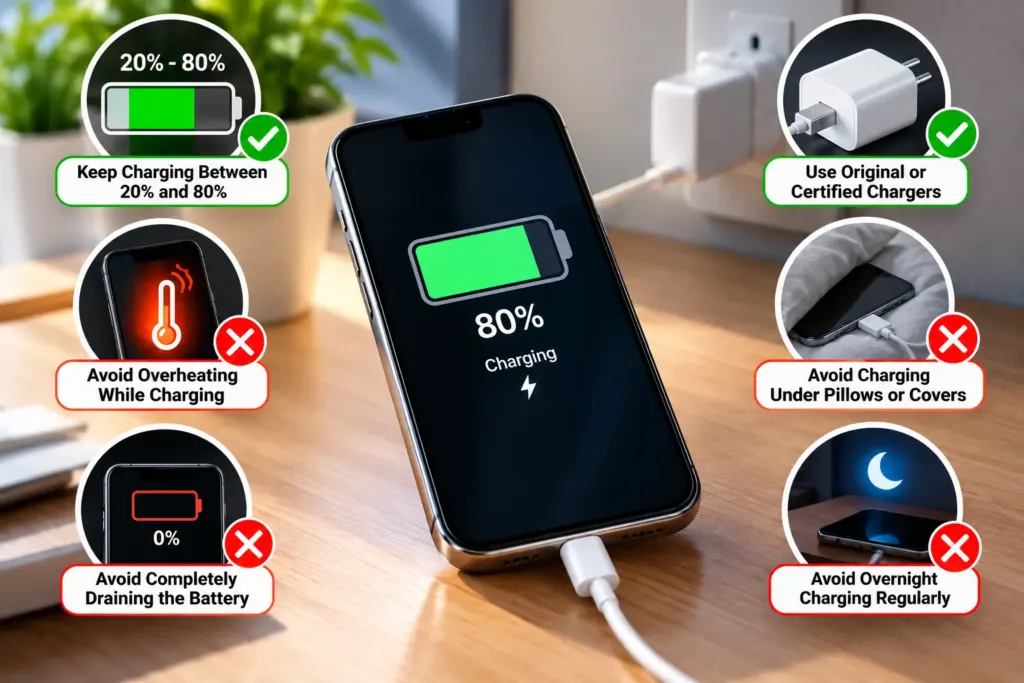
Proper charging habits play a major role in long-term battery health.
Best Charging Practices
- Keep battery levels between 20% and 80%.
- Avoid frequent deep discharges.
- Use certified chargers.
- Avoid overnight charging when possible.
- Remove your phone from charging after reaching full capacity.
Good charging habits help extend battery lifespan.
Avoid Extreme Temperatures
Heat is one of the biggest enemies of smartphone batteries.
Temperature Tips
- Avoid leaving your phone in direct sunlight.
- Remove heavy cases during charging if the device becomes hot.
- Keep your phone in moderate temperatures.
- Avoid charging in extremely hot environments.
Excessive heat accelerates battery degradation.
Enable Adaptive Battery Features
Many modern smartphones use artificial intelligence to optimize battery usage.
Android Adaptive Battery
Adaptive Battery learns your usage patterns and limits power consumption for apps you rarely use.
iPhone Optimized Battery Charging
iPhones learn charging habits and reduce battery wear by delaying charging beyond 80% when appropriate.
These intelligent features help preserve battery health over time.
Reduce Screen Timeout Duration
The longer your screen remains active, the more battery it consumes.
Recommended Settings
- 15 seconds
- 30 seconds
- 1 minute maximum
Reducing screen timeout is a simple way to improve battery efficiency.
Use Wi-Fi Instead of Mobile Data
Mobile data generally consumes more power than Wi-Fi.
Benefits of Wi-Fi
- Lower battery usage
- Faster internet speeds
- More stable connections
Whenever possible, connect to trusted Wi-Fi networks.
Remove Unnecessary Widgets and Live Wallpapers
Widgets and animated wallpapers continuously consume system resources.
Battery-Friendly Alternatives
- Static wallpapers
- Fewer home screen widgets
- Minimal animations
These small adjustments can add valuable battery life throughout the day.
Restart Your Phone Regularly
Many users rarely restart their devices.
Benefits of Restarting
- Clears temporary processes
- Closes background applications
- Refreshes system resources
- Resolves software glitches
Restarting your phone once every few days can improve overall efficiency.
Signs Your Phone Battery May Need Replacement
Sometimes battery drain is caused by hardware aging rather than software issues.
Common Warning Signs
- Battery percentage drops rapidly
- Device shuts down unexpectedly
- Phone overheats frequently
- Battery swelling
- Significantly reduced screen-on time
If your battery health is severely degraded, replacing the battery may be the best solution.
Best Practices for Long-Term Battery Health
To maximize battery lifespan:
Do
✔ Keep software updated
✔ Use original chargers
✔ Enable battery optimization features
✔ Keep your device cool
✔ Charge responsibly
✔ Monitor battery usage
Avoid
✘ Excessive heat exposure
✘ Constant fast charging
✘ Cheap third-party chargers
✘ Frequent 0% battery depletion
✘ Running unnecessary apps
Following these habits can help maintain battery performance for years.
Frequently Asked Questions
Lower screen brightness, enable battery saver mode, close background apps, disable unused connectivity features, and reduce notifications.
Yes. On OLED and AMOLED displays, Dark Mode can reduce power consumption and extend battery life.
Common causes include high screen brightness, background apps, poor network signal, GPS usage, outdated software, and battery aging.
Occasional overnight charging is generally safe, but regularly keeping your phone at 100% for long periods may contribute to battery wear over time.
Most smartphone batteries maintain good performance for 2–3 years, depending on usage and charging habits.
Yes. Battery Saver Mode reduces background activity and limits power-hungry features, helping your phone last longer between charges.
Social media apps, video streaming platforms, navigation apps, online games, and video conferencing applications are among the biggest battery consumers.
Final Thoughts
Learning how to improve phone battery life is essential for getting the most out of your smartphone. Small changes such as lowering screen brightness, managing background apps, enabling battery saver mode, optimizing charging habits, and keeping software updated can make a significant difference in daily battery performance.
By following the tips in this guide, you can reduce battery drain, improve battery health, and enjoy longer-lasting performance from your Android or iPhone. Consistent battery care not only helps your phone last throughout the day but also extends the overall lifespan of the battery, saving you money and improving your mobile experience.